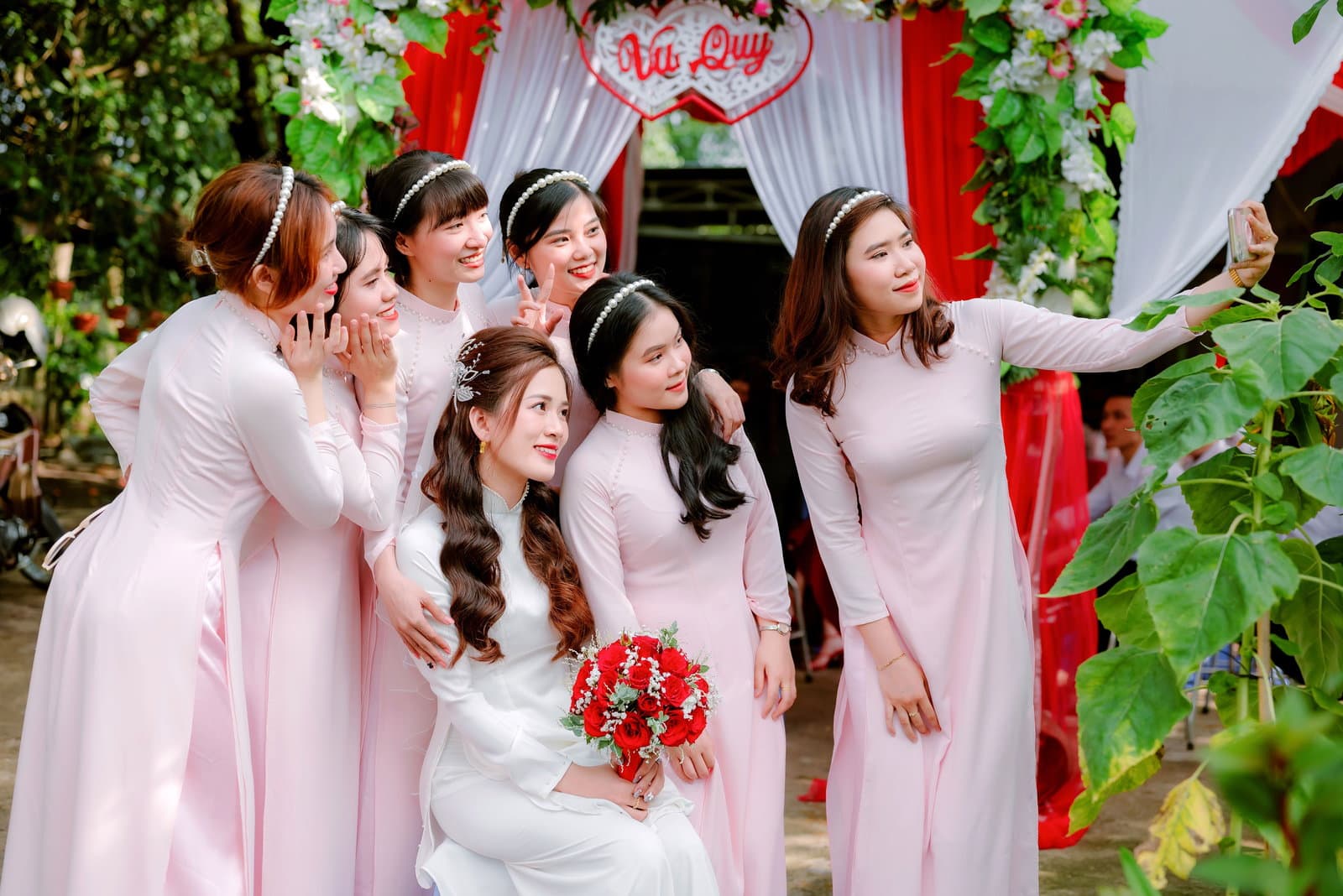
Your maid of honor takes 47 photos during the bachelorette party. Your college roommate captures the perfect candid moment during dress shopping. Three different groomsmen document the bachelor party from different angles. Your mom screenshots the group chat where everyone's freaking out about the rehearsal dinner location change.
Six months later, you're putting together your wedding album and you can't find half of these photos. Your maid of honor swears she sent them to you, but they're nowhere in your text messages. The dress shopping photos are buried in a group chat with 847 other messages. The bachelor party photos exist somewhere on someone's phone, but no one remembers who took what.
Group texts are not the answer, and here's why: they compress image quality, get buried under other messages, and disappear when people switch phones. Traditional cloud sharing doesn't work much better because folders get forgotten, links expire, and permission settings create more confusion than convenience.
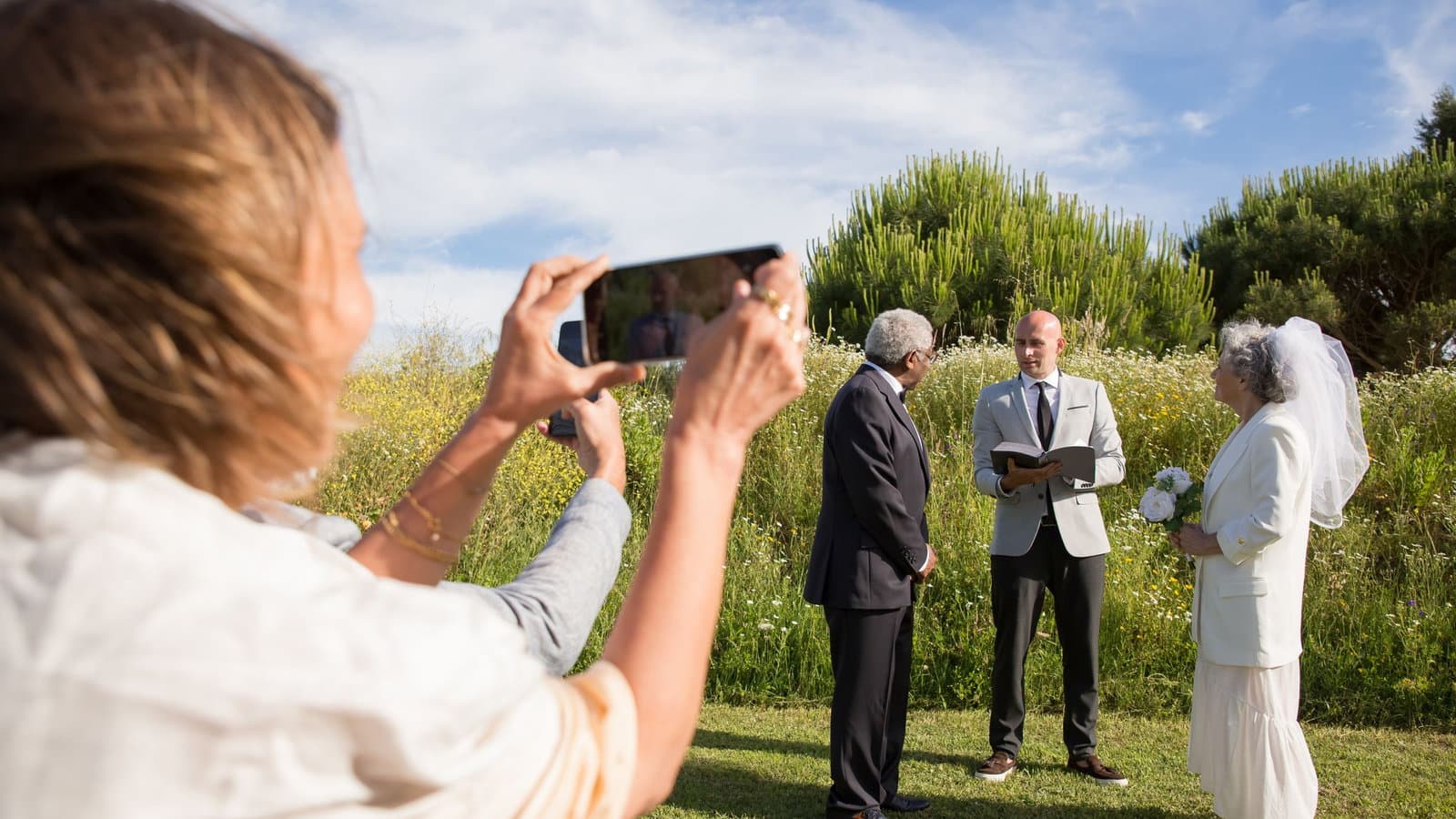
The modern problem isn't that people aren't taking photos, it's that couples never see the photos people are taking. This is particularly frustrating because your wedding party and family are documenting moments you'll never experience otherwise. The getting-ready excitement, the ceremony from the guest perspective, the reception from the dance floor, these angles only exist if someone in your circle captures them and you actually get to see them.
Why Traditional Methods Fail
Before we talk about what works, let's understand why most photo-sharing approaches fall short.
Group Texts: The Compression Problem
When you send photos through text messages, they're automatically compressed to reduce file size. That beautiful photo of you trying on dresses becomes a pixelated thumbnail that looks fine on a phone screen but terrible when printed or viewed on larger screens.
Group texts also create organizational nightmares. Photos get mixed in with logistics messages, joke responses, and random conversation. Finding specific photos later requires scrolling through hundreds of messages, and there's no way to organize images by event, date, or photographer.
Worst of all, group texts live on individual phones. When someone gets a new phone or accidentally deletes the conversation, those photos are gone forever.
Dropbox/Google Drive: The Forgotten Folder Problem
Shared cloud folders sound like the perfect solution until you realize that sharing photos requires three steps: taking the photo, remembering to upload it, and navigating to the correct folder. In practice, step two rarely happens consistently.
Even when people do upload photos, shared folders often become disorganized messes. Different people create different subfolders, use different naming conventions, and upload photos at different resolutions. Finding specific photos becomes nearly impossible.
The bigger problem is that once the event is over, people forget these folders exist. The bachelor party photos sit in a Dropbox folder that no one checks six months later.
Google Photos Shared Albums: The Permission Maze
Google Photos shared albums can work, but they require everyone to have and actively use Google Photos, understand how shared albums work, and remember to add photos to the specific wedding album rather than just their general photo stream.
The permission settings create constant confusion: Can everyone add photos? Can they edit album details? Can they see when others view their photos? Who can share the album link with people outside the original group?
Many people also have privacy concerns about Google automatically organizing and analyzing their personal photos alongside wedding photos.
The 3 Photo-Sharing Moments of Wedding Planning
Wedding photo sharing isn't just about the wedding day itself. The need for organized photo sharing extends throughout your engagement period, and each phase has different requirements.
Phase 1: Engagement Era Candids (6-12 Months Out)
This is when your closest friends and family start documenting the engagement excitement: ring photos, celebration dinners, early planning sessions, dress shopping trips, venue visits.
The challenge: These photos happen sporadically over many months with different groups of people. There's no central event to organize around.
What matters: Quality preservation and easy organization by event or date. You want to be able to find the photos from your engagement party six months later without scrolling through everything else.
Who's involved: Close family and friends who are excited about the engagement and want to share moments with you.
Phase 2: Pre-Wedding Events (2-6 Months Out)
Bridal showers, bachelor and bachelorette parties, rehearsal dinners, these are dedicated celebrations with higher photo volume and more intentional documentation.
The challenge: Multiple events with different guest lists. The people at your bridal shower might not overlap with the people at your bachelorette party.
What matters: Event-specific organization and the ability to share different albums with different groups. Your work friends don't need access to bachelorette photos, but they might want bridal shower photos.
Who's involved: Wedding party members, extended family, and close friends who attend specific events.
Phase 3: Wedding Day and Honeymoon (Day-Of and After)
The main event plus honeymoon photos that you want to share with everyone who attended.
The challenge: Highest photo volume from the most people in the shortest time frame. Professional photographer photos mixed with guest candids mixed with behind-the-scenes moments.
What matters: Immediate sharing capability and the ability to handle large volumes of photos from many contributors simultaneously.
Who's involved: Every wedding guest with a phone, plus professional photographers, plus family members documenting behind-the-scenes moments.
Each phase requires different sharing strategies, but consistency across all phases makes the overall experience better for everyone involved.
What "Side-Aware" Photo Sharing Means
Here's something traditional photo sharing doesn't account for: wedding parties naturally split into sides, and those sides often plan surprises for each other.
The groom's side takes photos during bachelor party planning that the bride shouldn't see until after the wedding. The bride's side documents bachelorette planning that needs to stay secret. Even day-of photos sometimes need side-specific sharing, getting-ready photos from each side, surprise planning moments, or reactions to events the other side organized.
Side-aware sharing means:
- The bride's side can share photos privately among themselves while planning surprises
- The groom's side can document planning without spoiling surprises
- Certain photos get shared with the whole group automatically
- The couple sees everything relevant to them without accidentally seeing surprises
- Family members can share photos appropriately based on which side of the family they're from
This isn't just about surprise planning. It's also about comfort and privacy. Some people feel more comfortable sharing candid moments with a smaller group initially, then deciding later which photos they want to share more broadly.
The Surprise Planning Challenge
Traditional photo sharing creates a dilemma: you want to document surprise planning for the couple to see later, but you can't share those photos in group albums until after the surprise happens.
This leads to photos getting taken but never shared, or shared in separate private groups that get forgotten after the event. The couple misses out on seeing the behind-the-scenes effort that went into their celebration.
Side-aware sharing solves this by automatically organizing photos by who should see them when, then revealing surprise photos to the couple at the appropriate time.
Modern Tools That Actually Work
The best photo sharing solutions understand that wedding coordination involves multiple groups of people with different privacy needs and different technical comfort levels.
What Works: Automatic Organization
The key is automation that doesn't require people to think about organization while they're taking photos. Good systems automatically sort photos by event, date, and photographer while preserving full resolution.
Look for solutions that handle the organization on the backend rather than requiring users to manually sort photos into the correct folders or albums.
What Works: Privacy Flexibility
Different photos need different sharing levels: some are for the whole group, some are for side-specific planning, and some are for the couple only.
The best systems handle this automatically based on who uploads photos and what type of event they're documenting, rather than requiring people to manually set privacy levels for each photo.
What Works: Professional Integration
Your professional photographer will deliver hundreds or thousands of high-resolution photos that need to be shared alongside the candid photos your wedding party is taking.
Good systems make it easy to combine professional photos with candid guest photos in one organized collection rather than forcing you to manage multiple separate albums.
Etiquette Tips for Wedding Party Photo Sharing
Even with great technology, photo sharing requires some social awareness and consideration for privacy and relationships.
The Golden Rules
Get permission before posting anything on social media that includes the couple, especially before the couple has posted about the same event. Many couples want to be the first to share major wedding-related news or photos.
Respect the couple's photography timeline. If they've hired a professional photographer, don't post photos from the wedding day until they've had a chance to see and share professional photos first.
Consider photo quality before sharing. That blurry, poorly-lit photo might be meaningful to you, but it's not doing anyone favors in a shared album.
Be thoughtful about unflattering photos. Just because a photo captures a fun moment doesn't mean everyone in the photo wants it preserved forever. Use judgment about which candid photos to share.
The Tagging Considerations
Tag people when it's helpful for organization, but don't over-tag photos just because someone appears in the background.
Ask before tagging anyone in photos on social media, especially photos that include drinking, dancing, or other potentially sensitive content.
Respect people who ask not to be tagged or who prefer not to appear in shared photos. Some people are very private about their social media presence.
The Timing Questions
Share photos promptly after events rather than waiting weeks or months. The excitement and engagement is highest when memories are fresh.
Don't hold photos hostage for perfect organization. It's better to share good photos quickly than to wait until you've perfectly curated everything.
Consider the couple's schedule when timing major photo shares. Don't send 200 bachelorette photos the night before their wedding when they're already overwhelmed.
Making Photo Sharing Effortless
The best photo sharing happens when it doesn't feel like work for anyone involved. Here's how to set up systems that actually get used:
For the Couple
Choose one primary system and communicate it clearly to everyone involved. Don't expect people to upload photos to multiple places.
Make the system as simple as possible for the least tech-savvy person in your group. If your grandmother can't figure out how to share photos, she won't.
Express appreciation when people take time to organize and share photos. Thank people specifically for capturing and sharing moments.
For the Wedding Party
Take photos with sharing in mind. Consider whether photos capture moments the couple will want to see and remember.
Share photos consistently rather than dumping everything at once after events are over.
Help include people who might be less comfortable with technology or social media.
For Family Members
Respect the couple's preferred sharing methods even if you'd rather use something else.
Ask questions if you're unsure about privacy settings or sharing permissions.
Focus on moments the couple couldn't capture themselves rather than trying to duplicate professional photography.
The goal of wedding photo sharing isn't to create perfect archives or compete with professional photography. It's to ensure that couples get to see and keep the moments that happened around them, the excitement, the celebration, the love, and the joy that their wedding created in the people they care about most.
When photo sharing works well, couples discover months later that their wedding was even more meaningful than they realized because they get to see how it affected the people who love them. That perspective is irreplaceable, and it's worth the effort to set up systems that preserve it.
Photos should bring your wedding party closer together and help you remember the full experience of your celebration, not create stress about technology or organization. Focus on capturing joy and connection, and choose tools that get out of the way so the memories can take center stage.
Looking for more coordination tips? Our wedding party coordination guide covers the full planning timeline, and the modern bridesmaid's guide includes tips for wedding party members who often become the unofficial photographers.