Every wedding day runs on the same underlying tension: there's a fixed amount of daylight, a long list of things that need to happen in it, and roughly a dozen people who each need to know exactly where to be and when. Get the timeline right, and the day feels unhurried even when it's tightly scheduled. Get it wrong, and even a beautifully planned wedding feels like a scramble from the first photo to the last dance.
The good news is that wedding day timelines follow a predictable shape. You don't need to invent one from scratch, you need a solid template, and the judgment to adjust it for your specific ceremony, venue, and guest count.
Why a Template Beats Starting From Scratch
Every couple planning their first wedding hits the same realization at some point: there's no intuitive sense of how long any of this actually takes. Is 30 minutes enough for family photos? Should hair and makeup start at 8 or at 10? How much buffer is "enough" buffer? Without a reference point, it's easy to either over-pack the day out of anxiety or under-schedule it out of optimism, and both mistakes tend to surface at the worst possible moment, mid-afternoon on the wedding day itself.
A template solves this by giving you a tested starting shape, built from how these days actually tend to unfold in practice, rather than how they look on paper. You're not locked into the exact times below, you're using them as a scaffold to build your own day around, adjusted for your ceremony length, your guest count, and your venue's specific logistics.
The Core Principle: Work Backward From Your Ceremony Time
Before building anything else, lock your ceremony start time. Every other block on the day gets built by working backward (and forward) from that single anchor point.
A simple rule of thumb: hair and makeup starts roughly 5, 6 hours before the ceremony, photos begin about 2, 3 hours before, and everything in between gets scheduled around those fixed points.
A Realistic Hour-by-Hour Template
This template assumes a 4:00 PM ceremony, a common slot for a late-afternoon wedding. Shift every block earlier or later based on your own start time.
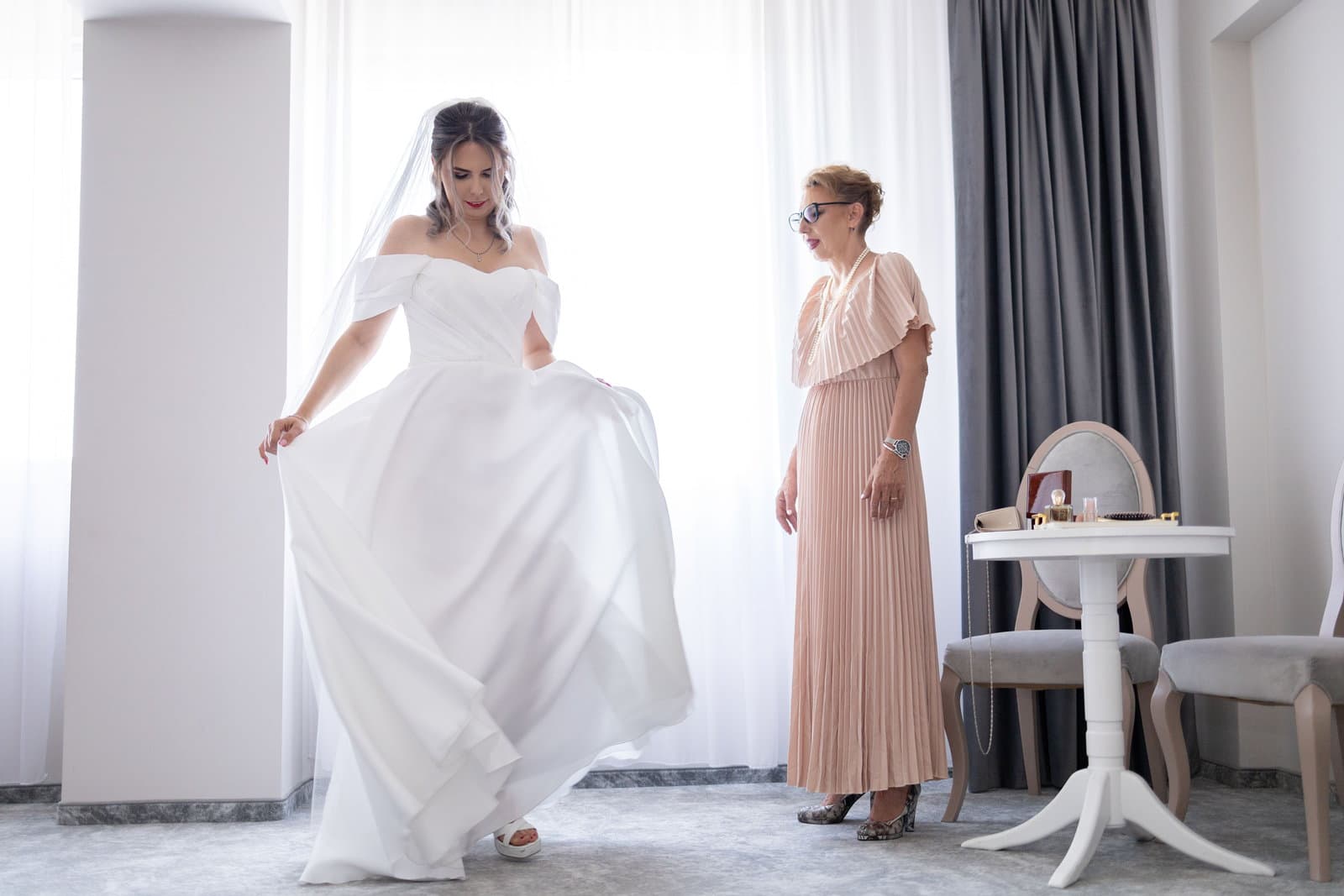
9:00 AM, Hair and makeup begins. Start with whoever has the most elaborate look or the biggest group needing styling. The couple usually goes last in their respective groups so their look stays fresh longest.
11:30 AM, Getting-ready photos. Detail shots (dress, rings, invitations), candid getting-ready moments, wedding party photos in robes or getting-ready attire.
12:30 PM, Lunch break. Do not skip this. A hungry wedding party at hour six of a long day is a real problem, have food brought in rather than relying on people to have eaten beforehand.
1:00 PM, Final dressing. The couple gets into their attire. This is also when any first-look photos typically happen, if you're doing one.
1:30 PM, First look and couple portraits (if applicable). Roughly 45 minutes to an hour, depending on how many portrait combinations you want.
2:30 PM, Wedding party photos. Full group, then smaller combinations (just bridesmaids, just groomsmen, mixed pairings).
3:00 PM, Family photos. These almost always take longer than planned because family members wander off or arrive late. Build in real buffer here, 30 minutes minimum for a moderately sized family.
3:30 PM, Buffer and breathing room. Genuinely leave this half hour unscheduled. It absorbs whatever ran long earlier in the day, and if nothing ran long, it gives the couple a quiet moment before the ceremony.
3:45 PM, Guests begin arriving and being seated.
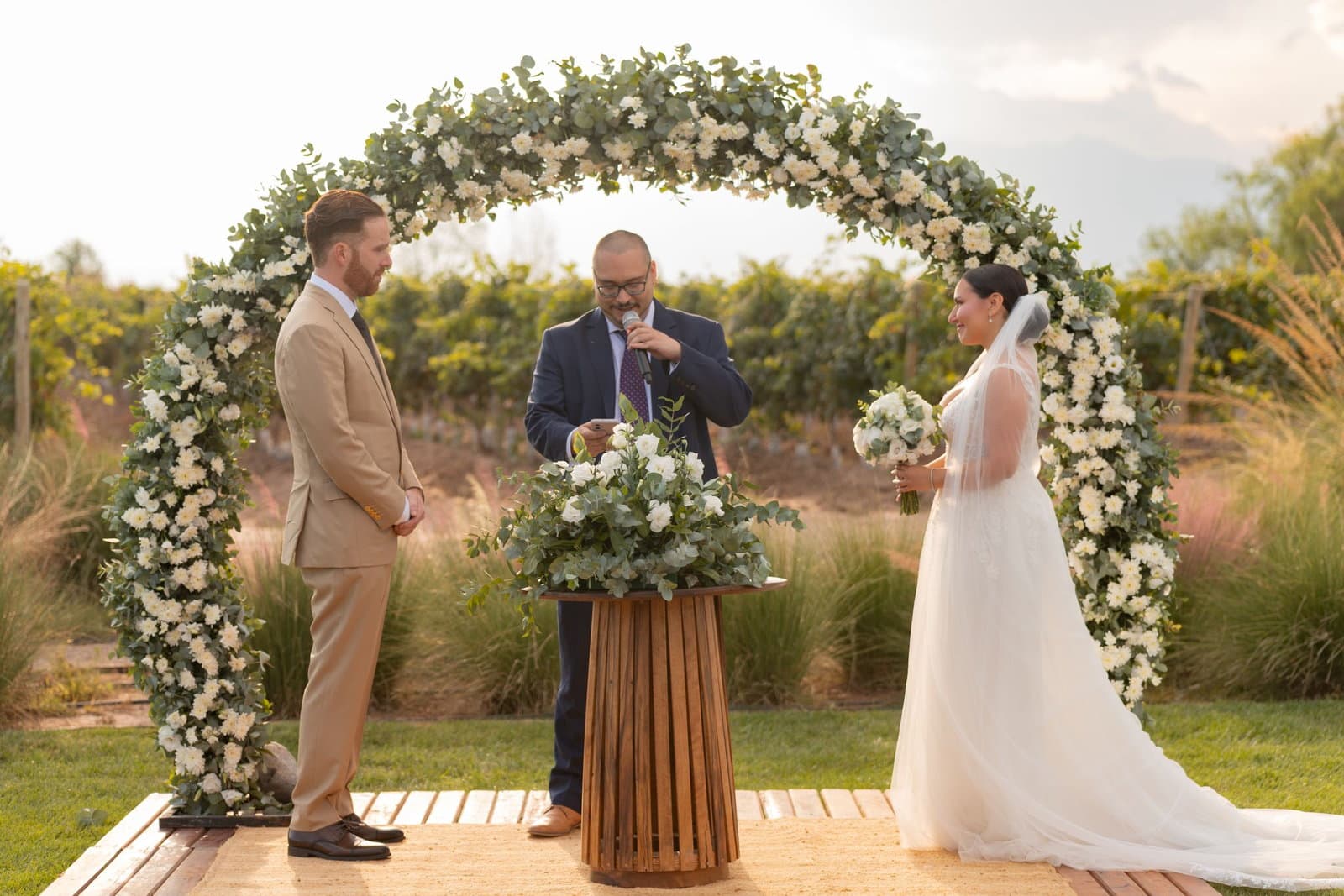
4:00 PM, Ceremony begins. Most ceremonies run 20, 30 minutes depending on the officiant and any readings or rituals included.
4:30 PM, Cocktail hour. While guests mingle, this is typically when the couple finishes any remaining formal portraits and the wedding party gets a breather.
5:30 PM, Reception begins. Grand entrance, welcome toast, first dance, whatever your opening sequence includes.
6:00 PM, Dinner service.
7:00 PM, Toasts. Best man and maid of honor, typically, sometimes followed by parents. Keep this block realistic, two speeches average 8, 10 minutes combined once you account for setup and applause.
7:30 PM, Parent dances, cake cutting, and other traditions, if included.
8:00 PM, Open dancing begins.
10:00 PM (or your venue's cutoff), Last dance and send-off.
Building In Buffer (The Part Most Timelines Skip)
The single most common wedding day timeline mistake is scheduling every block back-to-back with zero slack. Photos run 15 minutes long, they almost always do, and suddenly the ceremony is starting late, which pushes cocktail hour, which pushes dinner, and the whole evening is chasing itself by 8 PM.
A few places to deliberately build in buffer:
- 10, 15 minutes after hair and makeup, before photos begin
- A genuine 30-minute cushion before the ceremony, even if you think you won't need it
- Extra time around family photos specifically, this is where timelines go sideways most often
- A few unscheduled minutes between cocktail hour and reception entrance, since guest movement between spaces always takes longer than expected
If your day runs perfectly on schedule, that buffer just becomes a few extra relaxed minutes. If it doesn't, that buffer is the only thing standing between a smooth day and a visibly rushed one.
Who Needs the Timeline (And in What Form)
Not everyone needs the same level of detail. A few different versions are worth preparing:
The full run-of-show, with every block and buffer, goes to your day-of coordinator (professional or designated friend), photographer, and venue coordinator.
A simplified version, just the blocks that involve them, goes to your wedding party. A bridesmaid doesn't need to know when the caterer is setting up; she needs to know when hair and makeup starts and when she needs to be dressed.
An even shorter version, arrival time, ceremony time, reception address, goes to guests, typically via your wedding website or invitation.
Vendors each get the portions relevant to their role, with a clear point of contact (usually the coordinator or best man/maid of honor) for day-of questions.
Sending one giant timeline to everyone creates noise and confusion. Tailoring the level of detail to who actually needs it keeps the day running smoothly without overwhelming anyone.
Adjusting the Template for Your Actual Wedding
The template above assumes a fairly typical afternoon wedding with a separate ceremony and reception, but plenty of real weddings look different. A few common adjustments:
Same-location ceremony and reception. You can shrink or eliminate the travel buffer between blocks, but keep a short transition window regardless, guests still need to move between spaces, and staff need time to reset the room.
Morning or brunch weddings. Shift the entire template earlier, but don't compress the getting-ready window just because the day starts sooner, hair and makeup still takes the same amount of time regardless of what hour it begins.
Smaller, more intimate weddings. Family photos and group portraits typically take less time with fewer people, so you can trim those blocks, just don't eliminate buffer entirely. Something always runs a few minutes long, regardless of guest count.
No first look. If you're saving your first glimpse of each other for the ceremony, all portrait photography moves to after the ceremony, during cocktail hour. This usually means a longer cocktail hour for guests, so make sure your venue and catering plan accounts for that stretch.
Common Timeline Mistakes
Underestimating family photo time. This is the number one culprit behind late ceremonies. Assume it will take longer than you think, and assign someone (not the couple) to help wrangle family members between combinations.
Scheduling hair and makeup too tight. Ask your stylist directly how long each person realistically takes, and add 15, 20% on top of their estimate for a large group.
Forgetting travel time between locations. If your ceremony and reception are in different places, build in real transit time, not just the driving estimate, parking, loading into cars, and general shuffling all take longer with a full wedding party.
No one owns the timeline on the day itself. A beautiful timeline is useless if nobody's actually tracking it in real time. Assign this clearly, usually a coordinator, but sometimes the best man or maid of honor, so someone is gently keeping the day on pace without the couple having to watch the clock.
Treating the timeline as fixed instead of a living document. Weather changes, a vendor runs late, a family member's flight is delayed. A good timeline flexes; a rigid one just generates stress when reality doesn't cooperate.
What to Do When the Day Runs Behind Anyway
Even a well-built timeline with generous buffer occasionally runs behind, a delayed hair appointment, a photographer needing an extra ten minutes for a shot they love, a family member who wanders off right before the group photo. When this happens, resist the instinct to try to claw back every lost minute. A day that quietly runs 15 minutes late from ceremony onward is invisible to guests. A day where everyone visibly rushes to compensate is not.
The person managing the timeline, your coordinator, or whoever you've assigned that role, should have a simple rule of thumb: protect the ceremony start time above everything else, since that's the one moment guests are waiting on and watching the clock for. Everything else, photo blocks, cocktail hour length, even dinner service, has more natural flexibility than it feels like it does in the moment.
Turning the Template Into Your Actual Day-Of Plan
A template gets you 80% of the way there, but every wedding needs it adjusted for guest count, venue logistics, ceremony length, and how many portrait combinations actually matter to you. Prefer to start from a ready-made table with Time, Activity, Owner, and Status columns, plus a filled-in example? Our free wedding day timeline template is built for exactly that. The real work after that is turning a generic timeline into a specific, shareable plan that your whole wedding party can see and follow, updated in real time if anything shifts.
This is exactly the gap Nozari's day-of coordination tools are built to close: draft your run-of-show weeks ahead, assign day-of tasks and ownership to specific people in your wedding party, and switch the whole thing live on the actual day so everyone's looking at the same up-to-date schedule instead of a printed sheet that goes stale the moment something runs late.
The Goal Isn't a Perfect Timeline, It's a Calm Day
No wedding day runs exactly on schedule, and that's fine. The purpose of a detailed timeline isn't to enforce rigid punctuality, it's to give everyone involved enough shared understanding of the day's shape that small delays don't cascade into visible chaos. A well-built timeline with real buffer absorbs the inevitable hiccups quietly, so the only thing your guests notice is a wedding that felt unhurried and well-run.
Build the template, adjust it to your actual day, share the right level of detail with the right people, and then hand ownership of it to someone who isn't the couple. That's really the whole trick.
Ready to turn this template into your actual day-of plan? Nozari's day-of coordination tools let you build your run-of-show ahead of time and switch it live on the day, with every task assigned and every vendor contact one tap away.